
.webp)
HOW TO USE THIS THEME
The Details to Use this Theme
Tips and files to help you customise this theme and make it your own.
PUT ALL GOODIES IN THIS SECTION OF EACH PAGE, NOT IN THE 'ENTER INTRO TEXT' AREA
Changing the Header/Banner
Get the Canva template here- https://canva.link/jsdslwmtfpeuhrn
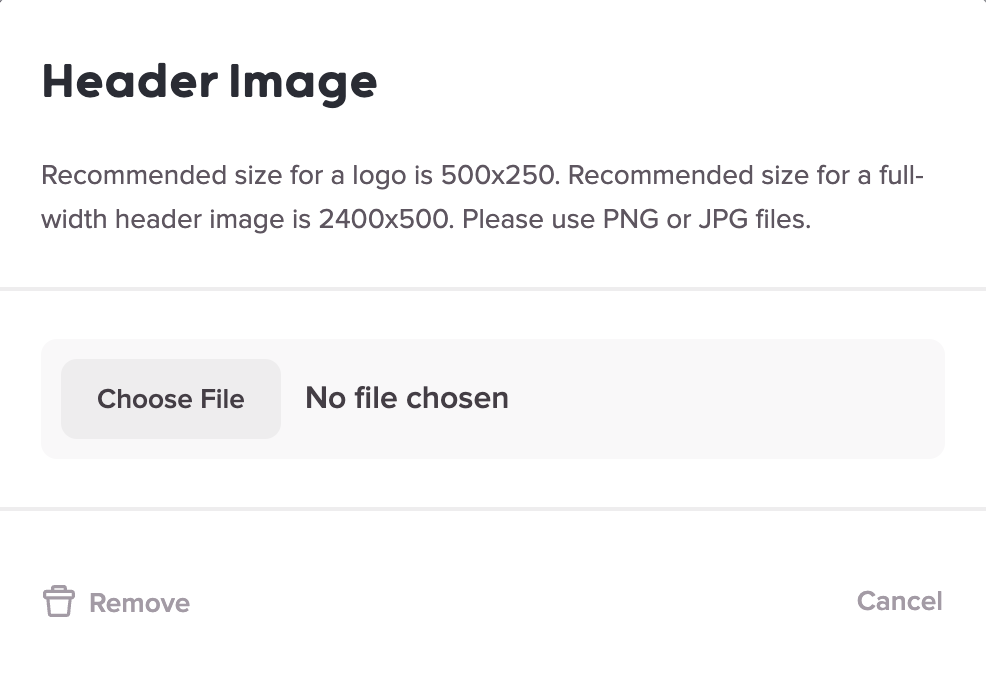
Edit the banner, then download as a png with transparent background.
To upload to Teachery, go to Overview> under the header image click the image icon> upload your new file
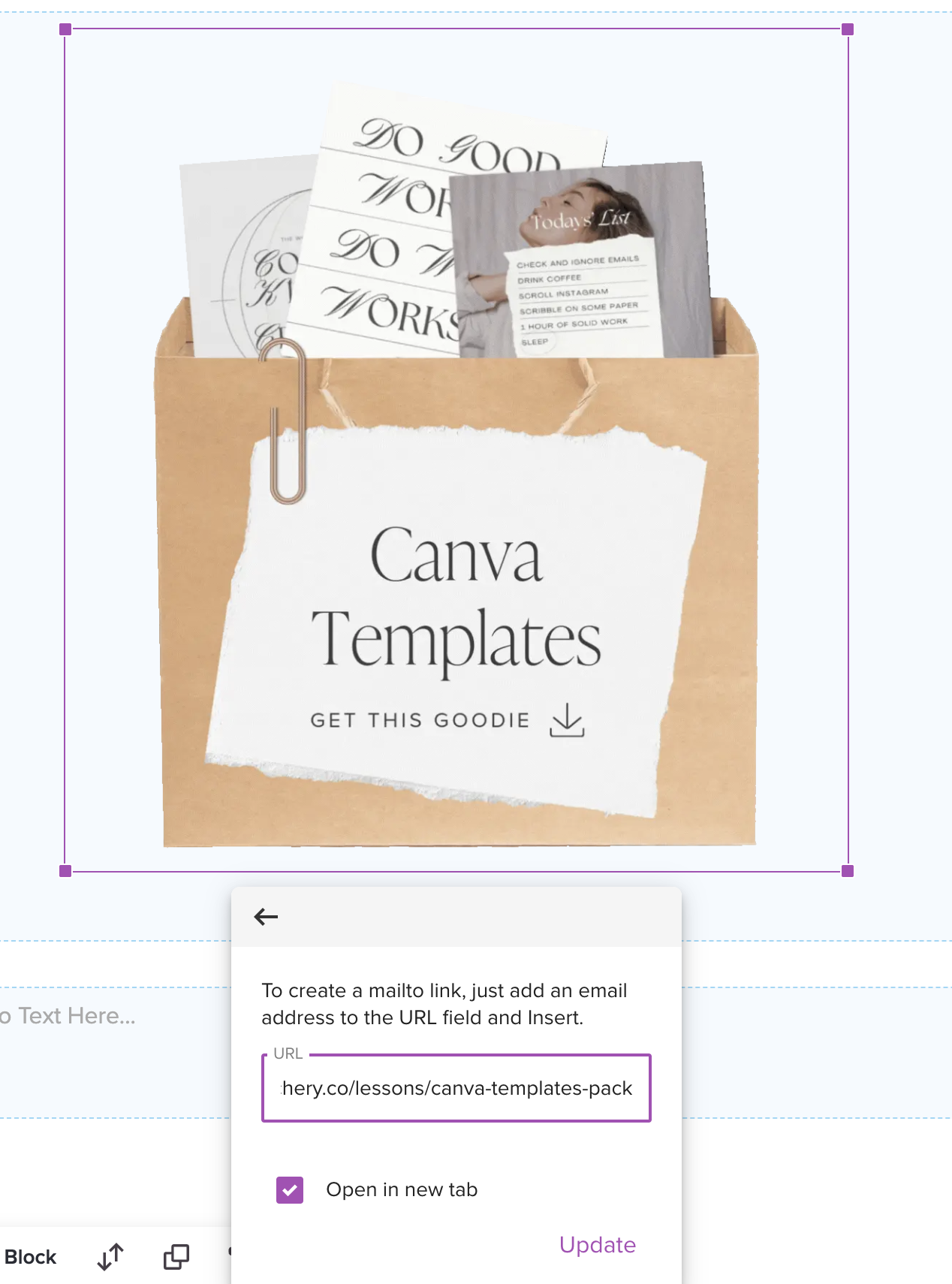
Animated Bags
Go to the lesson>select image>replace>upload new image
Get the Canva template here- https://canva.link/u0xe53vyl359xr7
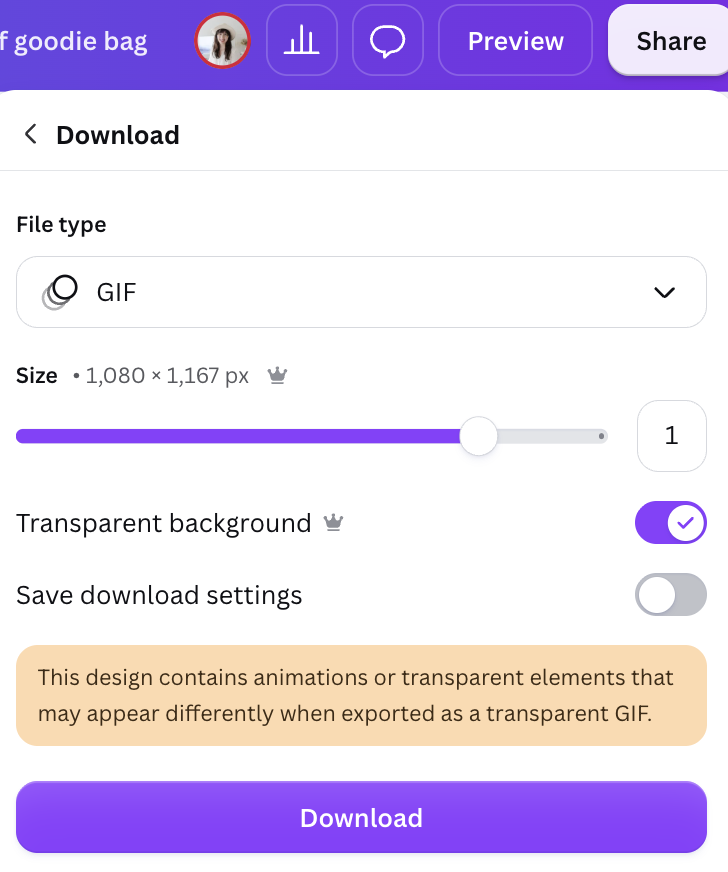
Add your items, use exisiting animation in Canva or change to what you want (I use wiggle) then download as a gif with transparent background
For a new lesson-
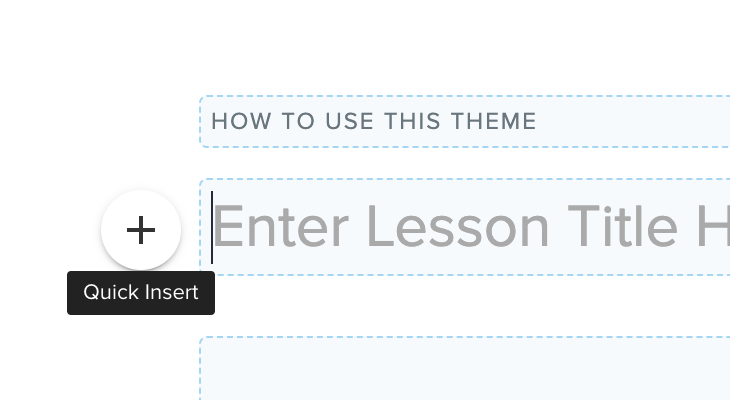
Remove title Header text> click the plus> choose image> upload image..
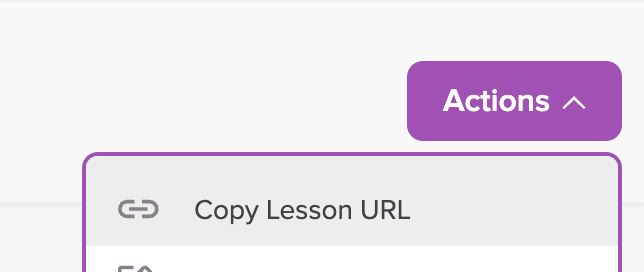
Then to link the image, choose actions> copy lesson URL
Go back to your image and add url and paste the link
Now add your goodie content into the page and have fun building your goodie bag!!